
If you are someone who has been building WordPress websites with Elementor, chances are you have already come across the colourful world of Crocoblock JetPlugins.
It is a collection of tools that can be used with WordPress and Elementor to create any website.
This detailed Crocoblock review will provide all you need to know about this powerful set of WordPress plugins, including its features, pros and cons, pricing, and help you decide if it’s the right toolkit for you or not.
What Is Crocoblock?
Crocoblock is a platform that gives you a set of 21 WordPress plugins and 200+ themes to create dynamic websites and pages.
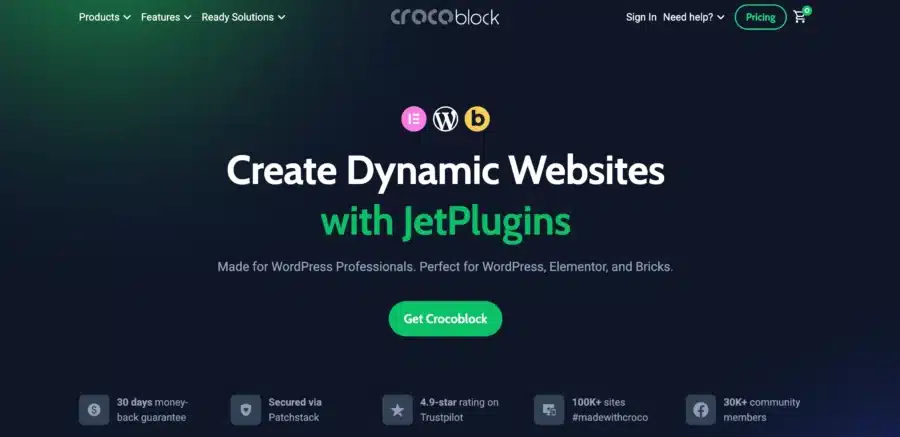
The platform was launched in 2014 and was designed for websites that were made with Elemetor, but now it also works with Gutenberg (The native WordPress editor) as well as Bricks.
Whether you are using WordPress itself to build websites or using Elemetor to do it, you can use all the plugins offered by the platform to optimize the whole process.
Even though they have hundreds of plugins, it is amazing to watch how well all of these plugins work together to create a synergistic effect.
It includes various add-ons and themes for WordPress called Kava Pro which serve to increase the functionality of the Elementor page builder.
Crocoblock membership is an absolute must if you want your experience of developing website to reach the next level.
There are some of features that provide you with the ability to construct a mega menu and organize it with the assistance of a page builder and a large number of widgets.
What Are The Features Of Crocobock?
Honestly speaking, Crocoblock is a feature-packed and if you sign up for a Crocoblock membership, you get all of these features included in your all-inclusive pack.
Now let’s discuss the different features of Crocoblock.
Unified Dashboard Control
The platform comes with many tools, so naturally, you may think that it may be overwhelming to work with, but it is not the true.
It’s very easy to understand and navigate once you start using it. After you have downloaded the plugin, you can access and set up it easily from the Crocoblock option in your existing WordPress menu.
This gives you a single centralized dashboard for both WordPress and Crocoblock to work from, where you can activate, deactivate, install or uninstall the plugins you want to use, anytime you want.
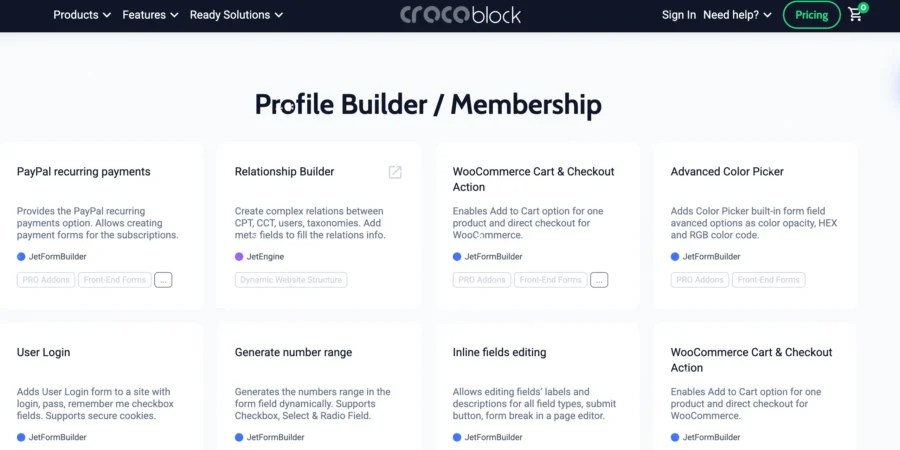
Crocoblock Themes And Profile Builder
Apart from JetPlugins and dynamic content builders, the other thing that makes Crocoblock stand out is that it offers at least 15 Theme templates that are compatible with the Gutenberg or Elementor websites.
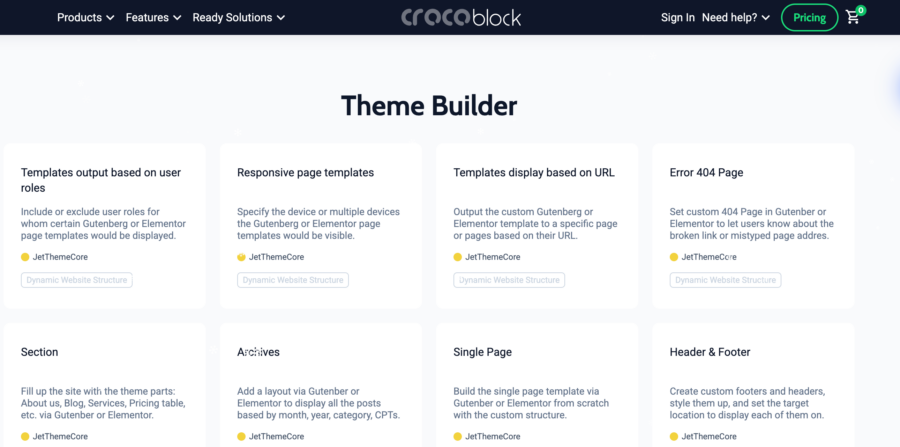
The theme applies automatically to all your pages, making your pages feel put together.
You can filter these templates based on the industry you are working in as well. All themes are naturally built to be responsive and support dynamic content.
Also, you also get the Kava Starter theme with your pack.
Form and Popup Builder
Interestingly, the platform also provides you with exclusive design elements and templates for creating converting and responsive forms and pop-ups.
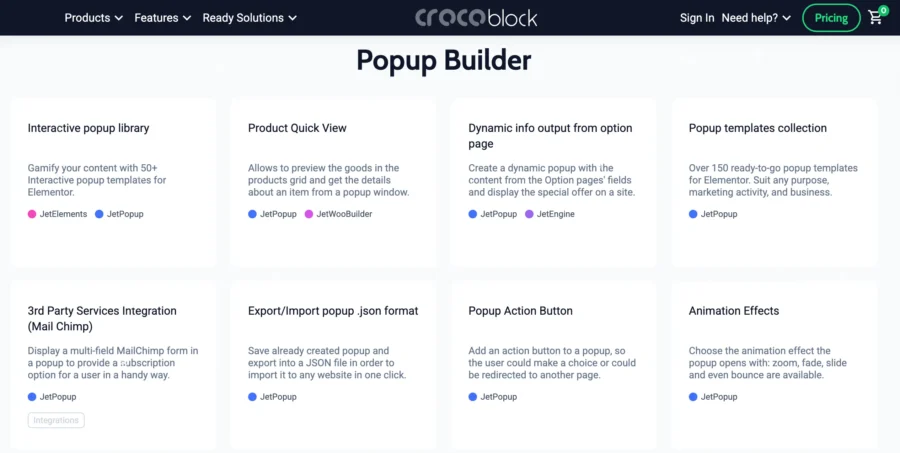
- The pop-up builder is very similar to that of Elementor Pro, and you have full control over the page.
- You can create dynamic forms and even set trigger actions like inactivity, page loads, exit intent, and more.
Advanced Filters and Search
Two different JetPlugins give you an advanced search and filtering system on Crocoblock. With JetSmartFilters and JetSearch together, you have the most advanced search functionality and can build:
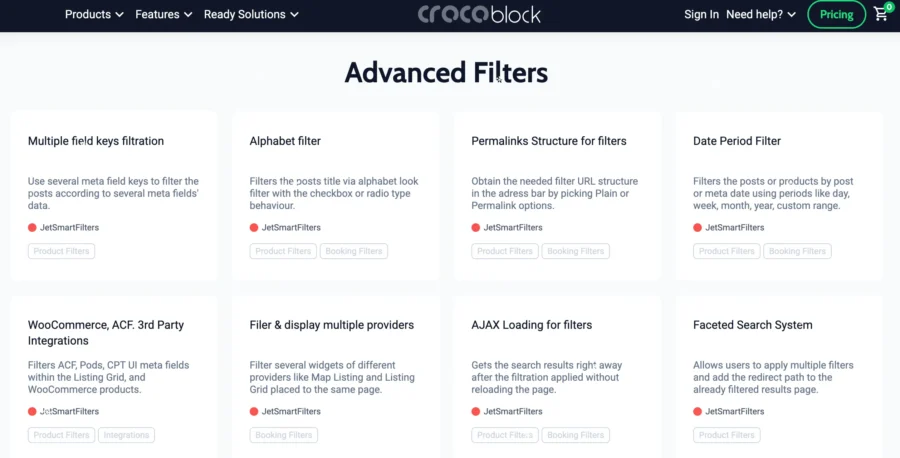
- Complex filtering systems
- Real-time AJAX searches
- Multi-criteria sorting like tags, keywords, and more.
WooCommerce Builder
Now, we all know that creating a general website and an e-commerce website is completely different.
E-commerce websites handle a lot of content, need advanced searches, product pages, carts, checkout pages, and so much more.
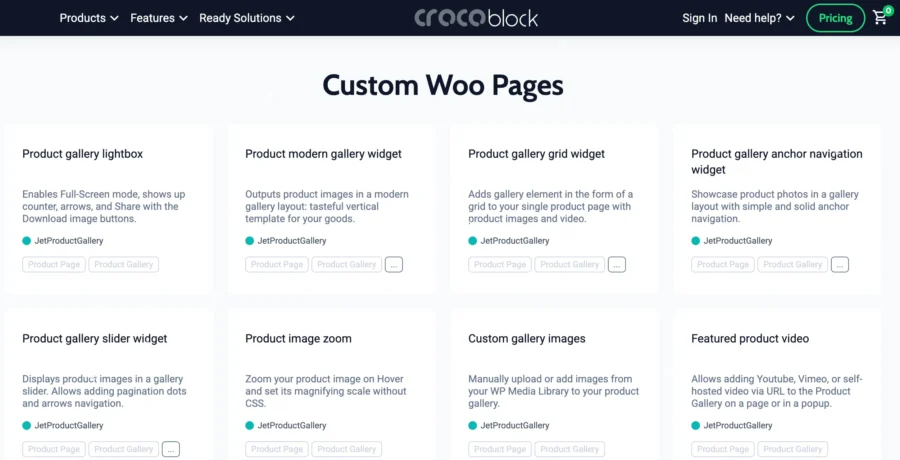
With these 67 WooCommerce related widgets supported by JetWoobuilder, you will have everything you need to create and manage an online store.
What Are Crocoblock JetPlugins?
Before we move on with this Crocoblock Review, let’s talk about the heart of the platform, i.e., JetPlugins.
Crocoblock JetPlugins are the set of 20 different WordPress-optimized plugins with specific functions that together give you everything you need to extend the capabilities of WordPress or Elementor and create websites without having to worry about technicalities.
Here is a list of the Jetplugins:
- JetElements
- JetTricks
- JetEngine
- JetWooBuilder
- JetCompareWishlist
- JetReviews
- JetBlocks
- JetBlog
- JetStyleManager
- JetGridBuilder
- JetSmartFilters
- JetBooking
- JetAppointment
- JetProductGallery
- JetPopup
- JetMenu
- JetSearch
- JetTabs
- JetThemeCore
- JetFormBuilder
Even if you think that you do not need all the plugins, you can sign up for any of the plugins individually or get an all-inclusive plan and enjoy all the features.
Let’s talk about some of the most important plugins that the platform offers and what they do:
JetEngine
Crocoblock JetEngine is probably the most important tool from the bunch.

It is the most talked-about tool from the set and probably the main reason why the platform is loved so much.
JetEngine is the tool that allows you to create dynamic content in WordPress. It handles two things: design and data.
The plugin offers you various dynamic page elements, like:
- Custom Post Types (CPTs)
- Custom taxonomies
- Custom fields
- Dynamic listings
- Relationships between content
- Dynamic forms
These you can use on the front end of your website to interact with your visitors.
The plugin also lets you present data in the form of dynamic layouts, links, images, metadata, and more. All of the data collected is then arranged in data tables for each content type, making your WordPress engine work much faster as well.
All in all, this plugin and its features alone make the platform worth it if you are looking to create interactive web pages.
JetElements
Creating visually stunning websites without using interactive page elements is a challenge, especially if you do not have a technical background.
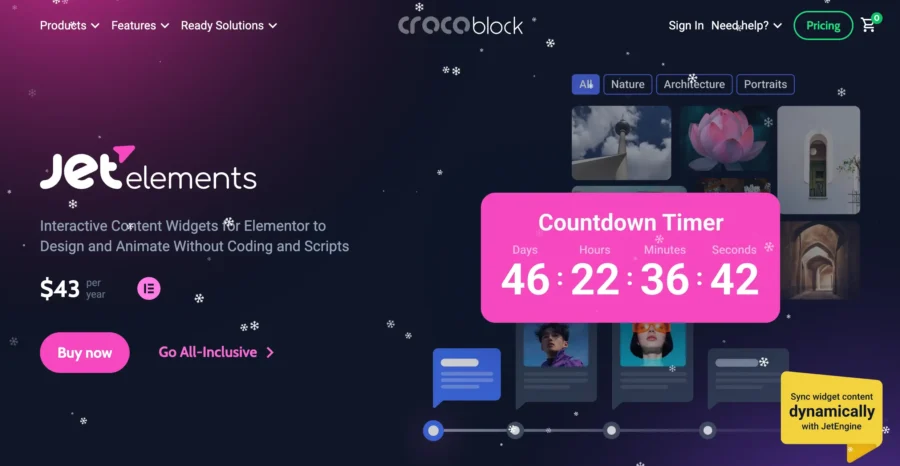
Elementor is a popular platform that is used for its powerful 150+ widget gallery to enhance how your WordPress site looks, but with JetElements, you get another 30+ pre-designed Elementor or Gutenberg-supported elements that you can use to enhance the capabilities of the platforms or get new designs incorporated altogether.
Some of the advanced elements included in this pack are:
- Advanced sliders
- Pricing tables
- Testimonials
- Carousels
- Animated boxes
- Countdown timers
JetThemeCore
This Crocoblock plugin eliminates the need to download a third-party page builder. With JetThemeCore, you can create a central theme for your page or website and manage it across the full website effortlessly.
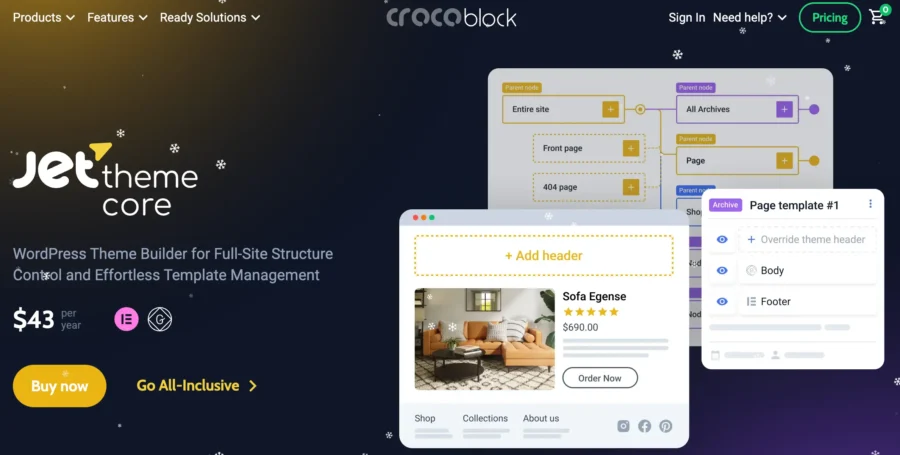
It gives you complete control over the design of the page from headers, footers, post templates, page types, hierarchy, conditional logic, and more. It’s like having a Theme Master over your website that handles it all.
JetSmartFilters
JetSmartFilters is a tool you will love if you have dynamic and e-commerce websites.
It allows you to create advanced filters so that your visitors can find posts or products on your website easily.

Some of the Jet Smart filters are:
- AJAX-based filters
- Range sliders
- Checkbox and radio filters
- Search filters
- Pagination filters
JetTabs
JetTabs is a Crocoblock plugin that allows you to add interactive tabbed content, accordions, and switchers on your page.

What this does is that it smartly conceals large content and is only visible to visitors if they click on the tab or switch.
This makes your website look lightweight, clean, and perfect for organizing large chunks of content.
JetSearch
This will be really helpful again if you have an online store.
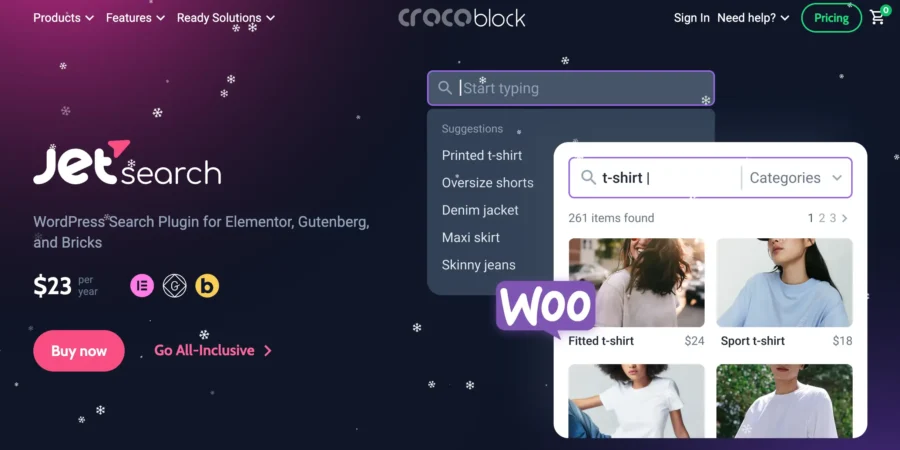
This plugin lets you create that optimized search bar you see on all shopping websites.
It has an AJAX-powered search functionality that can help visitors find anything, like posts, tags, products, and more.
JetMenu
JetMenu gives you pre-designed templates to create any kind of menu you want, be it vertical, horizontal, or hamburger.
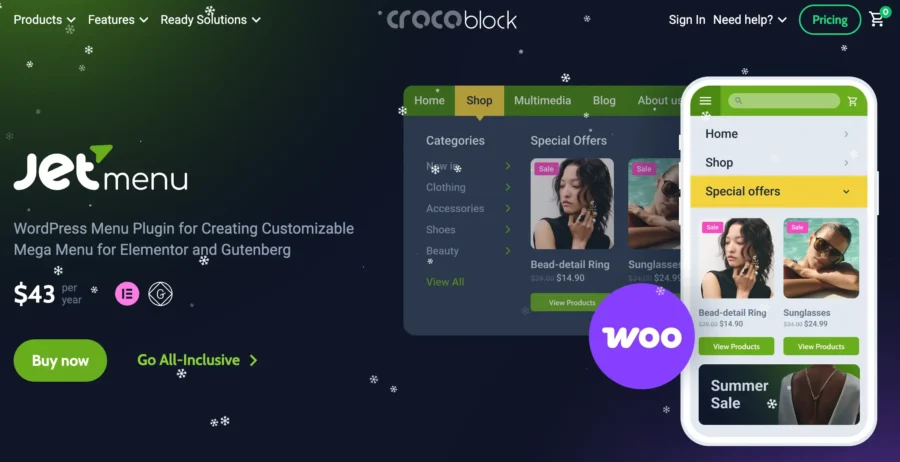
You can also add multimedia and the AJAX-search options to the menu as well. And these menus are automatically designed to be mobile-friendly as well.
JetBooking
Now, if you are a service or offer-based business that handles customer bookings, this is a niche Crocoblock JetPlugin that will be of use to you.
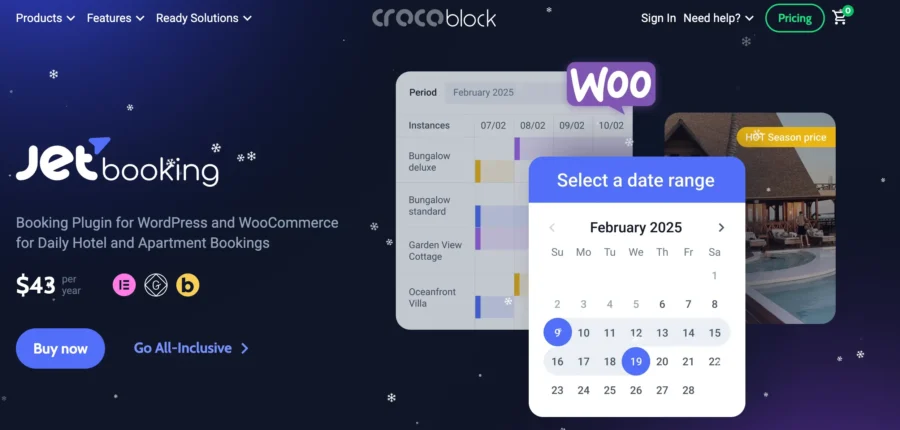
You can add booking slots, availability functions, or even calendar options and make a function booking website with this feature without any hassle.
JetReviews
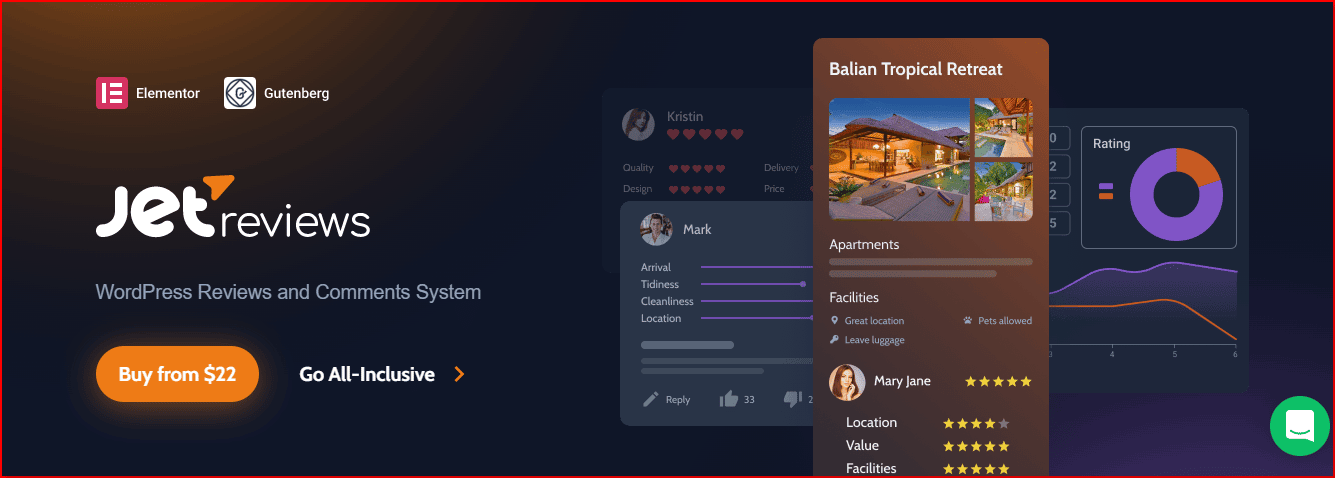
The JetReviews plugin extends the set of accessible widgets with a Review widget, allowing you to create fresh reviews and display them in an appealing visual format.
JetBlog
Use this Jet blog plugin to easily incorporate dynamic elements into your pages. Widgets like Smart List and Smart Tiles make it easy to include changing material.

This means that as new entries are added, the page’s content will update automatically. Furthermore, it has a simple interface for making query posts and supports user-defined fields.
JetBlocks
You can create unique headers and footers with this JetBlocks plugin.
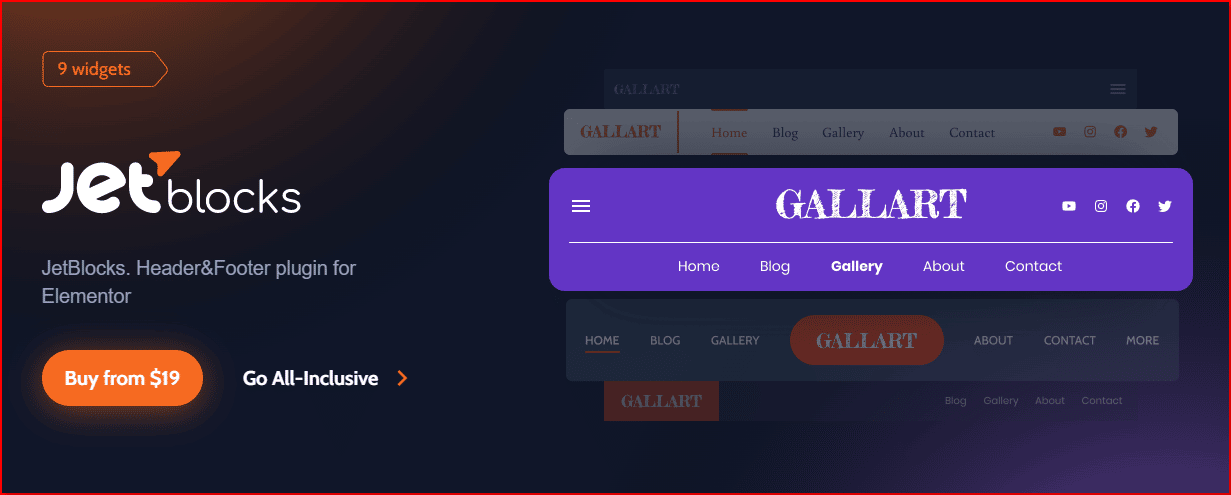
Simply drag & drop a widget into your header or footer to add a login/signup/search/registration form, a shopping cart (including WooCommerce carts), a search bar, a hamburger menu, etc.
A further benefit of JetBlocks is that it enables the creation of sticky blocks, meaning that you may make a sticky header for any theme at any time.
JetTricks
Using this JetTricks plugin, your Elementor pages will have access to even more stunning visual enhancements.

It comes with a tonne of cool features like animated tooltips, parallax effects for widgets, section particles, and more to make your website’s design pop.
Crocoblock and WooCommerce
You need the JetWooBuilder plugin in order to build a WooCommerce-based online shop.
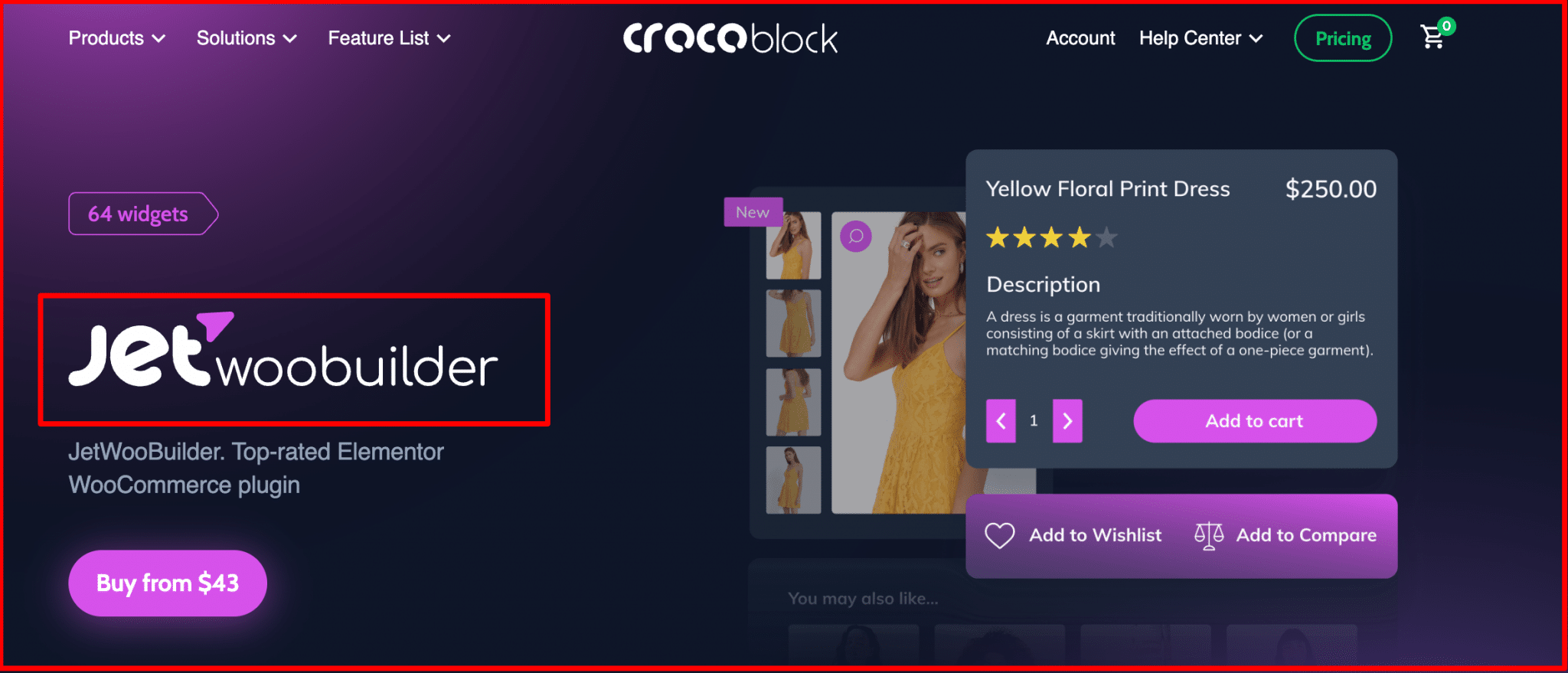
After creating a new Single Product page theme, navigate to WooCommerce > JetWoo Templates and choose the product from which you want to pull content.
Select “Add New Template” or “Create from Predesigned Template” to add another single product page layout.
With Elementor’s extensive styling options, you can quickly adjust the layout and add new sections and boxes. The JetWooBuilder block contains all of the necessary widgets.
The JetWooBuilder-created themes and the default WooCommerce product theme may both be applied from this page.
To build an online shop, JetWooBuilder provides 40 widgets to choose from. To customize the look of the tiles or grid elements, you may add a variety of styles and properties to the widget.
What Are Pros & Cons Of Crocoblock?
Moving on to the advantages and disadvantages of using Crocoblock.
| Pros Of Crocoblock | Cons Of Crocoblock |
|---|---|
| Has a powerful dynamic content builder | The 20+ JetPlugins can seem overwhelming to beginners |
| Has a 200+ widget gallery | There is a slight learning curve for understanding how each plugin works |
| Comes with the Kava Starter Theme | Most plugins require Elementor/ Elementor Pro to function. |
| Has 67 WooCommerce Elements | |
| Eliminates the need for multiple plugins and third-party integrations for website design | |
| Has a lifetime access plan | |
| Has excellent customer support. |
How Much Does Crocoblock Cost?

Three price options are available for the Crocoblock package:
- Custom Plan: Pricing depending on the JetPlugins you choose to sign up for
- All-Inclusive Plan: $199/year for 1 Project or $399/year for unlimited projects
- Freelance Lifetime Plan: $750 one-time payment
- Lifetime Plan: $999 one time payment.
Here is a quick comparison table of the features included in each of the plans for you to choose from.
After your license expires, you can continue to utilise the tools.
However, you won’t be able to download new versions of the software. Keeping your license valid or opting for the lifetime option is highly advised due to the frequent release of updates.
There is a 30-day money-back guarantee included with all selections, so you may test out the items with no risk at all. Crocoblock’s price page offers all the information you need to make an informed purchasing decision.
When it comes to premium WordPress website-building tools, Crocoblock is a wonderful deal.
| Feature | Custom Plan | All-Inclusive Plan | Freelance Lifetime Plan | Lifetime Unlimited Plan |
|---|---|---|---|---|
| Price | Tailored to your needs | $199/year for 1 Project; $399/year for unlimited projects | $750 one-time payment | $999 one-time payment |
| Activation Limit | 1 project | 1 project/Unlimited projects | 500 projects | Unlimited projects |
| JetPlugins Included | As per your needs | Includes all 21 | Includes all 21 | Includes all 21 |
| JetFormBuilder + PRO Add-Ons | No | Yes | Yes, with a 500 form limit | Yes, unlimited |
| Product Updates | For 1 year | For 1 year | Forever | Forever |
| Zoom + Ticket Support | For 1 year | For 1 year | Forever | Forever |
| Design Templates | As per your needs | 200+ | 200+ | 200+ |
| Installation Wizard (Crocoblock Wizard) | Yes | Yes | Yes | Yes |
| Money-Back Guarantee | Yes (30 days) | Yes (30 days) | Yes (30 days) | Yes (30 days) |
CrocoBlock Coupon Discounts & Review
Crocoblock provides discounts code rarely, despite the relatively low number of coupons that are distributed, it is one of the most sought-after brands when it comes to promotional offers and coupons for discounts.
Each month, hundreds of thousands of people search for coupons, which is a stark contrast to the number of coupons that are actually distributed. Before you buy, make sure to grab 40% Crocoblock discount as they frequently run promotions on full bundles.
How To Install Crocoblock?
Now that you know what the platform provides lets talk about Crocoblock wizard installation.
Here is a step-by-step guide on how to do it:
Step 1: First, you have to go to the official website and purchase a membership that best suits you.
Step 2: fter that, you have to follow the on-screen instructions to download the Wizard plugin from the link that you will receive immediately after signing up.
Step 3: Once you have finished downloading the platform you have to go to your WordPress dashboard and select the Plugin option from the menu.
Step 4: Then, choose as follows Add New>Upload Plugin>Select Crocoblock>Install Now.
Thats it, you have to then follow the instructions on your screen, and your installation will be complete in a few clicks.
Once it is done, you can access all your JetPlugins from the WordPress menu and activate the ones you want to use, anytime you want.
Customer Support and Resources
A complete Crocoblock review will not be complete without knowing what customer support the platform provides to its users. When it comes to this, the platform has all kinds of support you will need.
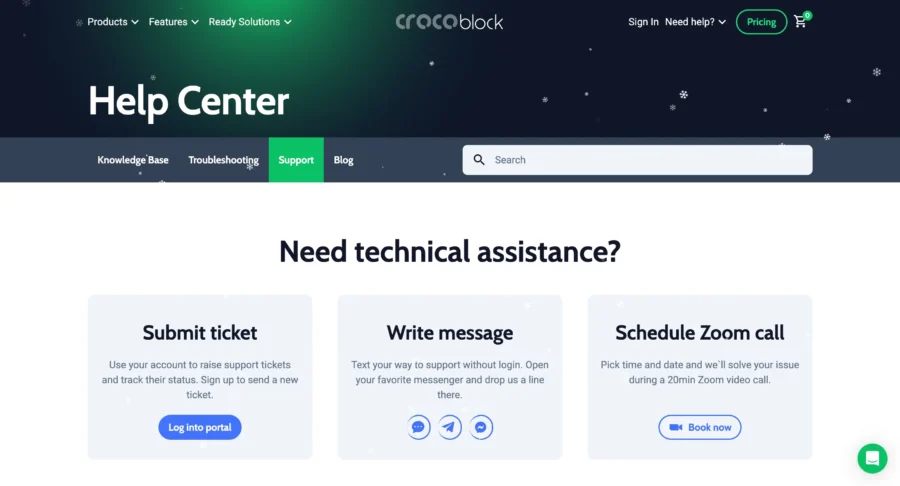
You have live chats, Zoom calls, and a ticketing system.
Other than that, you have blogs, video tutorials, and an active Facebook and Discord community to look up to for answers.
All in all, the platform is a gold standard when it comes to customer support.
Crocoblock Reviews and Testimonials Of Clients
Here is what users say about it:
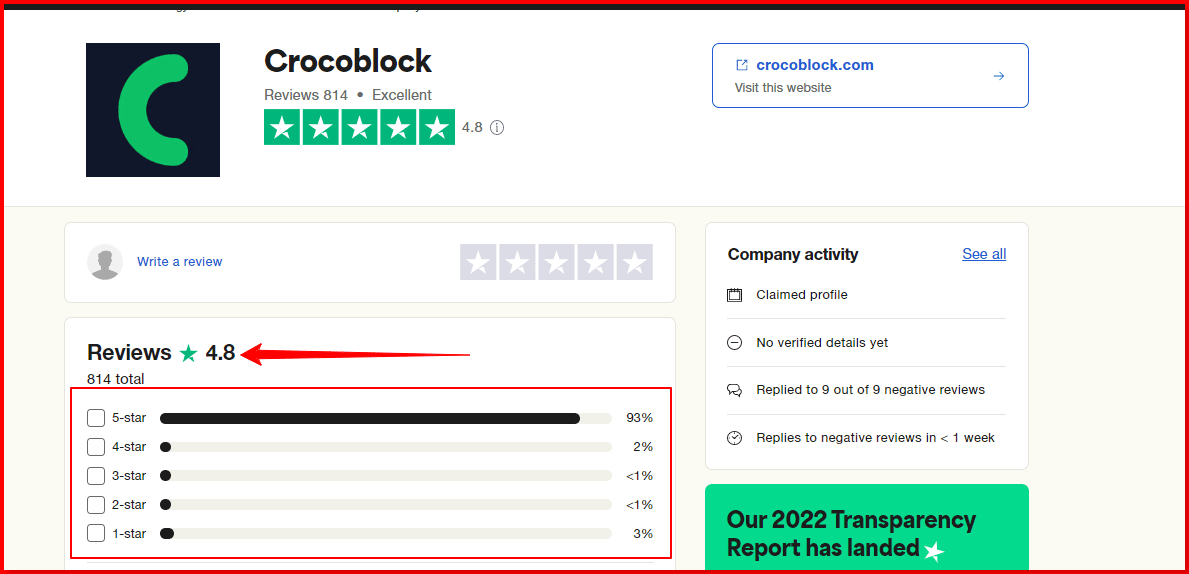
Great value!
The support provided by Crocoblock is beyond top-notch! Their team is quick and efficient at solving the many quirks between WordPress, Elementor and Woocommerce. The plugins alone are great value for the asking price, and the support provided is priceless – it’d cost $100s an hour to do what Crocoblock’s support team does for free.Date of experience: October 12, 2022
Source: Trustpilot
“One of your best ally in web development technology”
What do you like best about Crocoblock?
Widgets. Large collections of widgets or extensions in tandem with Elementor Pro. Developing websites using Crocoblock has been a breeze using it as my development leverage. Been using it for almost 5 years, I haven’t exhousted yet there vast array of widgets.Compatibility. Crocoblock is primary intended as third-party addition to Elementor Pro. So, you cannot discount the compatible tandem of these two. Of course, it also works with tje typical WordPress development – such as the Gutenberg blocks.
WooCommerce. This is one of the best complementary addition Crocoblock has ever done. I use WooCommerce to develop e-commerce stores and they make it really really handy in developing and designing the most obstinate parts of WooCommerce – My Account Page, Checkout, Cart, Endpoints and more.
Customer support. This is five balls. Support is just incomparable. Very professional in all areas!
And a lot more to jot down!
Source: G2
Final Thoughts: Is Crocoblock Worth It Or Not?
So in my opinion, investing in Crocoblock is totally worth it as it is all-in-one website builder for those seeking a budget option compared to other platforms.
You should examine the templates to determine whether they suit your requirements and expectations.
Crocoblock, on the other hand, is a great option if you can’t locate a suitable template for your project.
Even if you can’t find a template that exactly suits your project’s needs, you should still be able to develop a website with this collection of tools.
Everyone should be able to personalize their site using the Crocoblock package thanks to the choice to design templates and tools around the Elementor page builder.
Frequently Asked Questions
Does Crocoblock work with Elementor?
There are JetPlugins that are compatible with the Gutenberg editor, and you may use them with the Elementor Page Builder.
Why do you need to Choose Crocoblock?
Crocoblock has a wide variety of premade skins, content modules, and website designs. Crocoblock’s ever-expanding library of design and web elements makes it a convenient one-stop shop for WordPress site builders. The modern themes on which your website could focus are all represented in these pre-styled templates.
Is the Crocoblock plugin free?
No, the platform is not free. The platform comes with monthly/yearly plans. You can sign up for the platform to try out its features with a 30-day money-back guarantee instead.
How much does Jetplugins cost?
If you purchase Crocoblock Jet plugins indiviually then you will be cost around $13 – $45.
